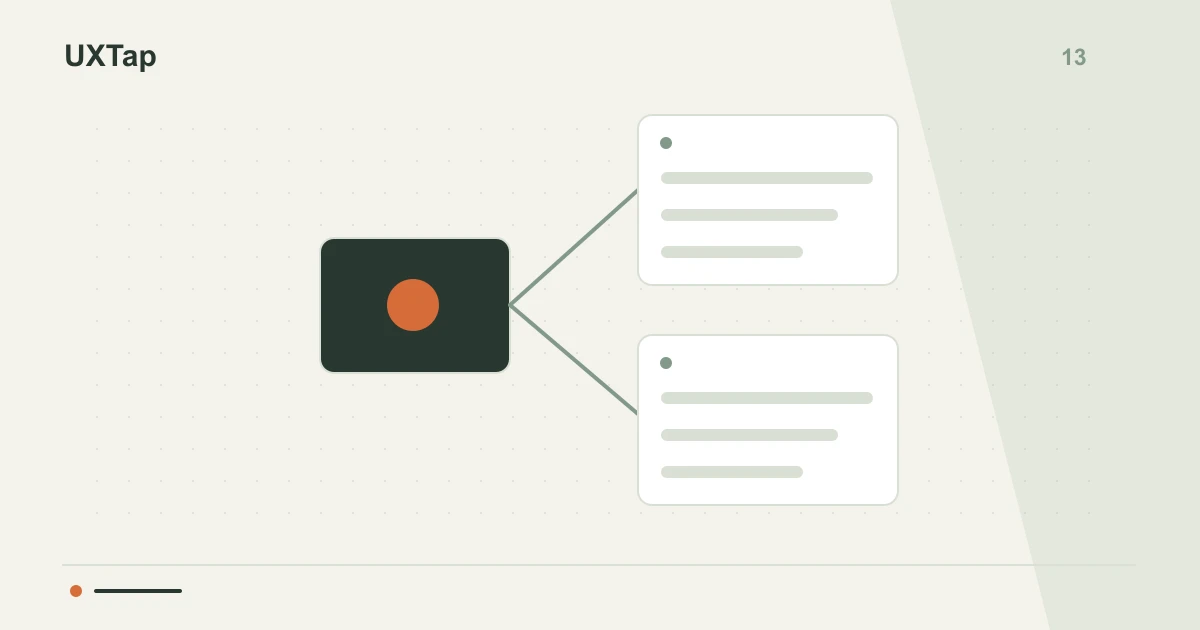
Users often encounter navigation labels that seem to lead to the same place, causing uncertainty and unnecessary clicks. This semantic ambiguity, where two plausible categories coexist, hinders efficient information retrieval. Understanding user logic is essential to prevent this confusion and streamline their journey.
Identify concept overlap
The problem arises when different navigation labels evoke similar concepts in the user's mind. For instance, 'Payments' and 'Finance' might both seem like the right place to find bank statements. This conceptual overlap forces users to guess, increasing cognitive load and the likelihood of abandonment. Clarity can be improved with the unequivocal distinction of each category's purpose and content.
Explore user expectations
Before deciding which label to use, investigate how users group and name information. Tools like card sorting or contextual interviews can reveal mental models. Directly ask where they would expect to find a specific item. For example, instead of choosing between 'Payments' or 'Finance', discover if 'Transaction History' fits better under one or the other, or if it needs its own distinct label.
Hypothetical example: payments vs. finance
In a hypothetical scenario, imagine your team is designing a banking app. Users need to access transaction history and set up recurring payments. If you have 'Payments' and 'Finance' as top-level labels, users might hesitate. Research could reveal 'Payments' is associated with actions (making a payment) and 'Finance' with information (viewing statements). This suggests 'Payments' should lead to transaction functionalities, and 'My Finances' or 'Statements' to financial information.
Checklist for clear labels
- Conduct card sorting to understand how users categorize information.
- Test labels with users to identify ambiguities before implementation.
- Verify that each navigation label has a distinct purpose and content.
Review your current navigation labels, focusing on areas where users might have two or more plausible options. Conduct small research sessions to validate the clarity and intent of each label, documenting the adjustment decisions in a brief report.
Your next discovery begins with a question.
Test an idea, observe the experience and bring evidence to your team.
Create my first studyFree · 1 study · 50 responses/month · no card