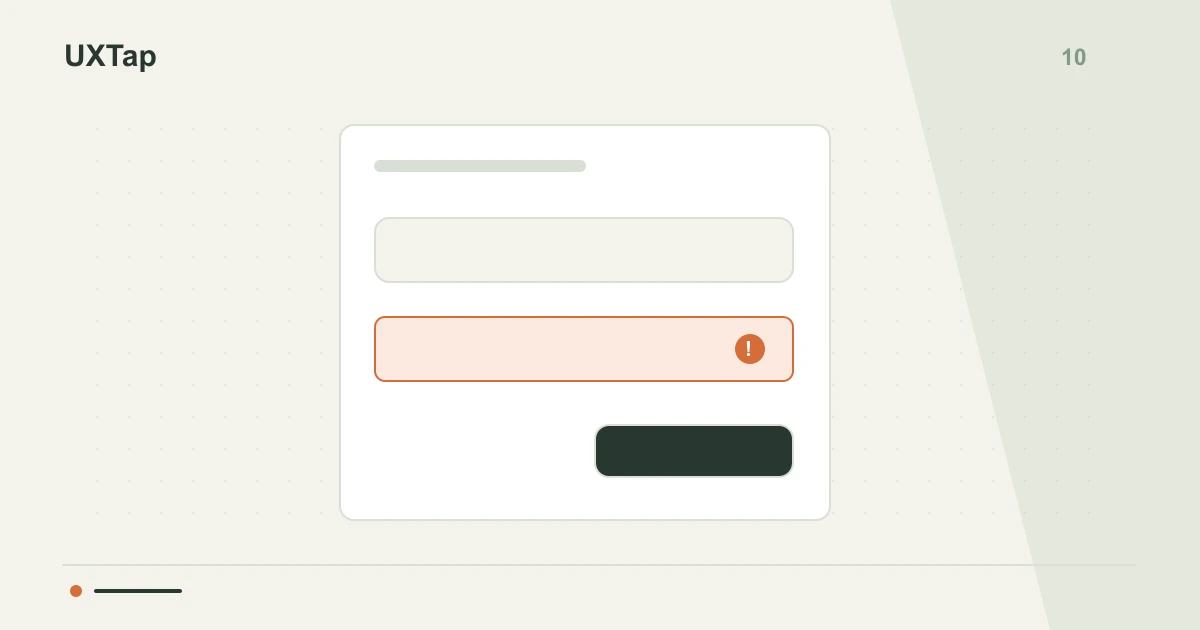
Users frequently abandon forms when encountering errors that are difficult to resolve. Focusing solely on ideal submissions overlooks common issues like lost data or unclear error messages. Testing how users recover from invalid inputs helps identify these friction points, allowing teams to improve the experience and reduce abandonment rates.
Data retention and clarity
When a form rejects an entry, retaining previously entered data is crucial. Losing information forces users to re-type, causing significant frustration and increasing task time. During testing, observe if error messages are clear and precisely indicate what needs correction. The message should guide the user toward a solution, not merely state an error. Prioritize concise messages placed near the problematic field to help users correct issues efficiently.
Realistic error scenarios
Avoid limiting tests to a single error type. Explore various invalid inputs, such as incorrect formats (e.g., an email without an '@' symbol), empty required fields, or passwords that do not meet specified criteria. For a hypothetical example, during a sign-up task, ask a participant to enter a phone number containing letters. Observe how the system indicates the error and how the user attempts to correct it without assistance. This inspection can reveal areas for design improvement.
Observing user behavior
During testing, closely observe how users react to error messages. Note if they read the messages, understand the required action, and can quickly locate the problematic field. The speed and ease with which users attempt to correct an error can indicate how well the recovery design supports them. Inspect whether users can identify and resolve the error independently, which helps assess the clarity and helpfulness of the form's feedback.
Error recovery checklist
- Is previously entered data retained in fields after a validation error occurs?
- Are error messages clear, concise, and do they suggest a specific action?
- Can users identify the problematic field and correct the error without assistance?
Based on your observations, create a table listing each specific error encountered, the user's observed reaction, and potential design improvements. Then, revise the task instructions for your next test to specifically address areas where users struggled with error correction. This concrete artifact will guide iterative design changes and improve form usability.
Your next discovery begins with a question.
Test an idea, observe the experience and bring evidence to your team.
Create my first studyFree · 1 study · 50 responses/month · no card